Image zoom for Astro
Click any photo on this page. It grows from its place to fill the screen, and a group of photos becomes a gallery you can swipe.
pnpm add astro-image-zoom@beta
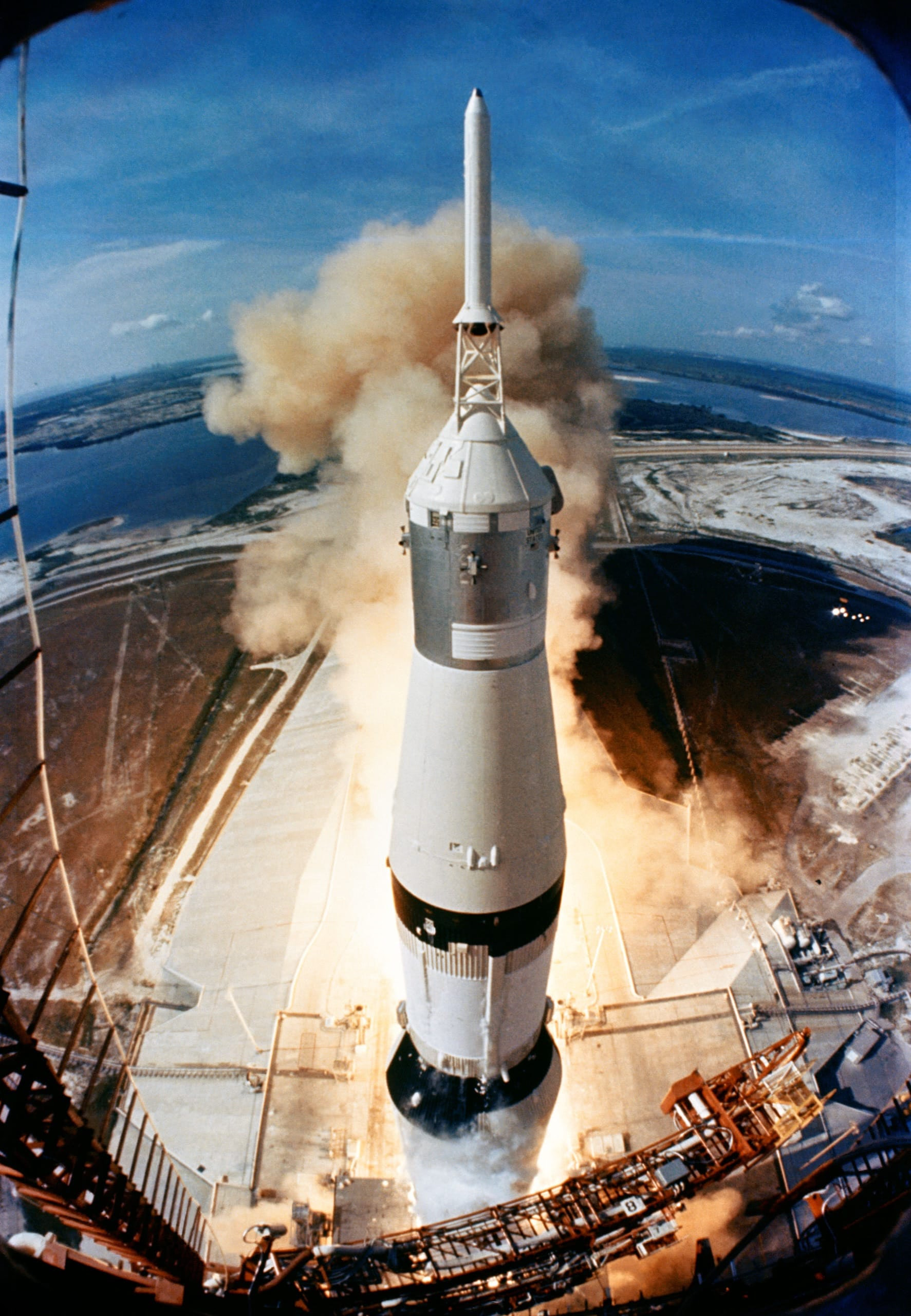
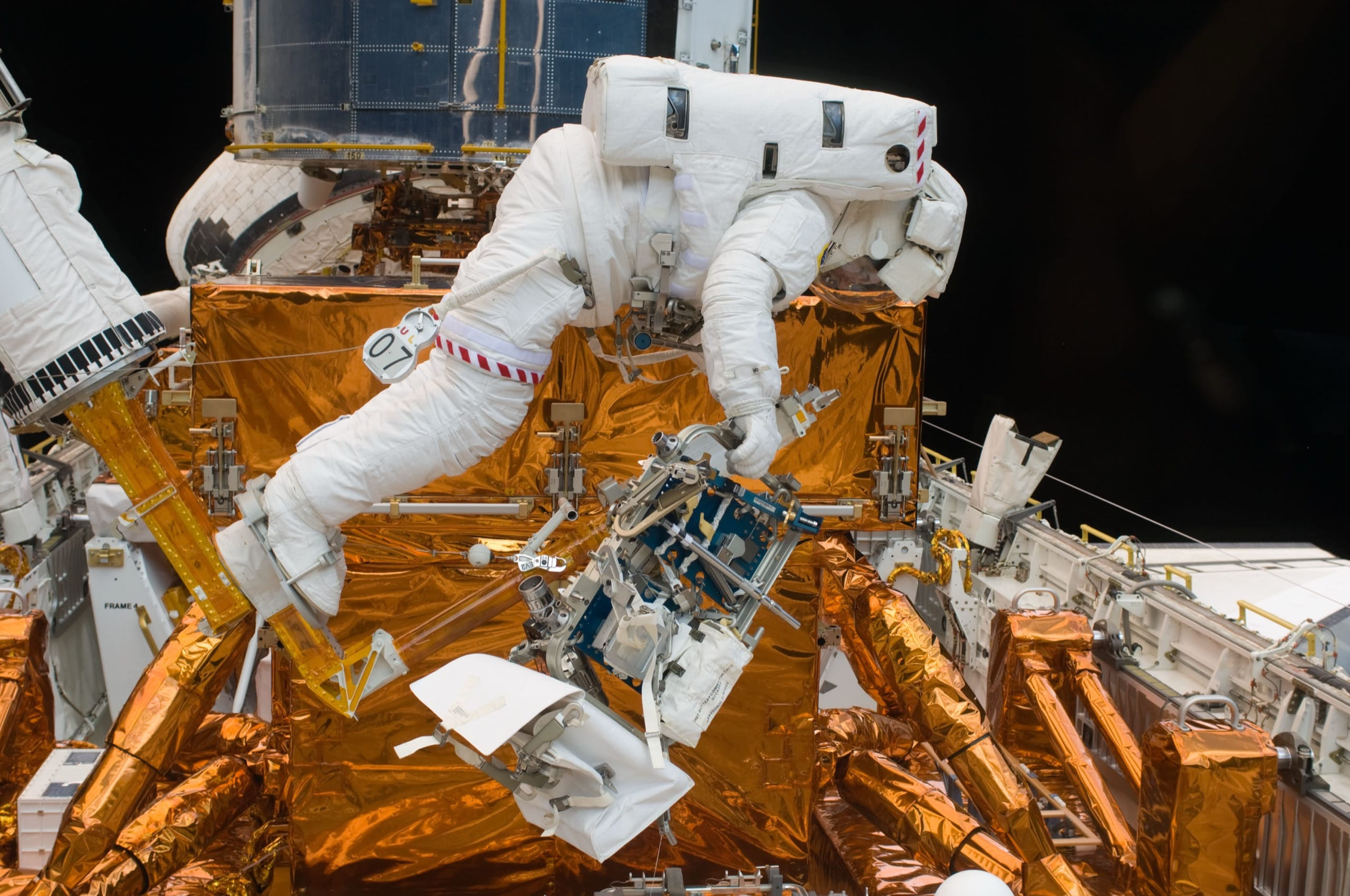
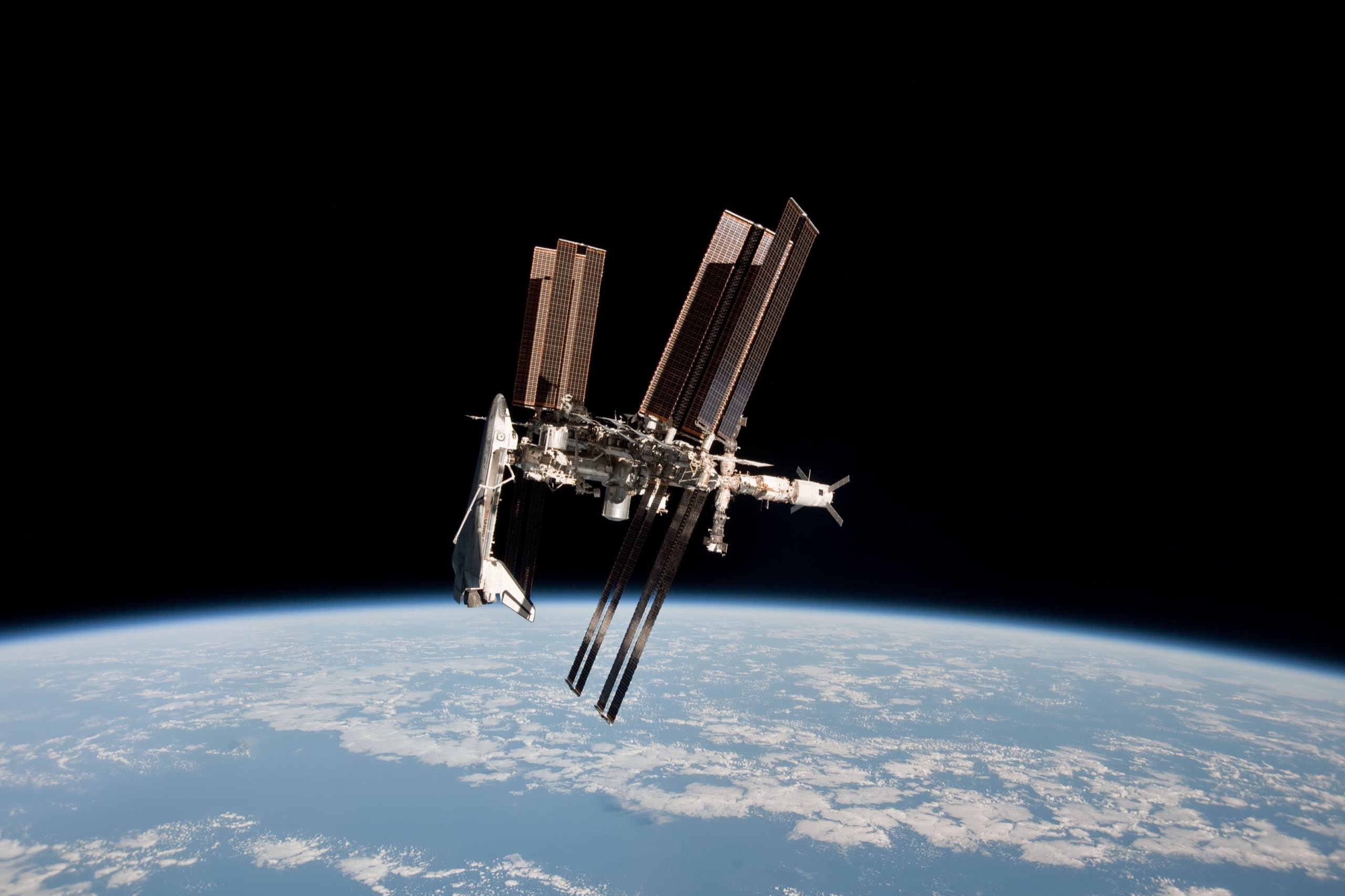

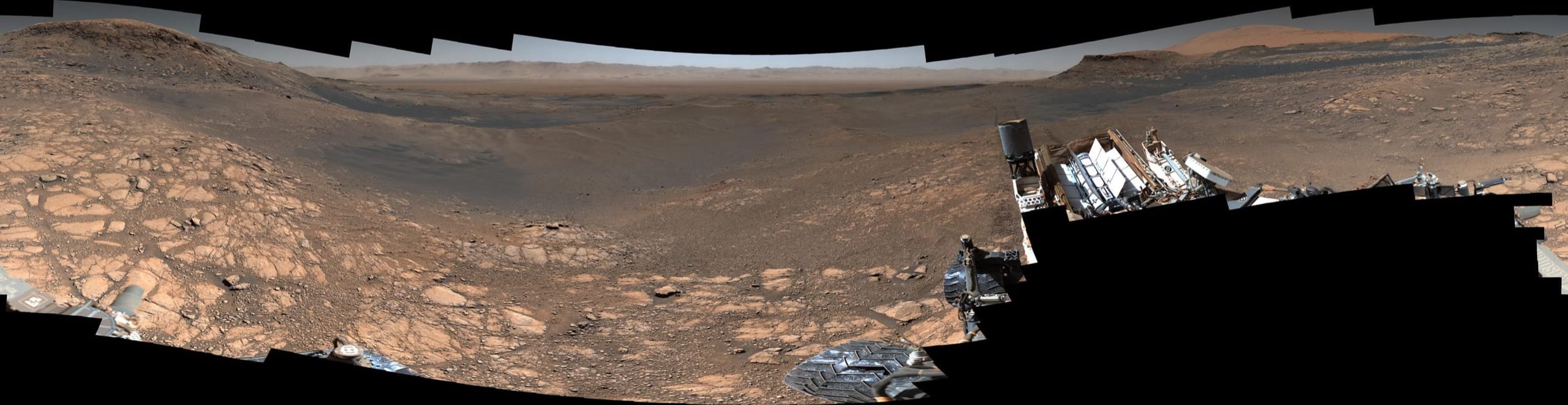
Wherever your images are
Inside an article
Photos in the flow of text. The zoom starts from the image itself, so the eye never loses it.
On Christmas Eve 1968, Apollo 8 came around the far side of the Moon, and Bill Anders saw the Earth rise over its horizon.
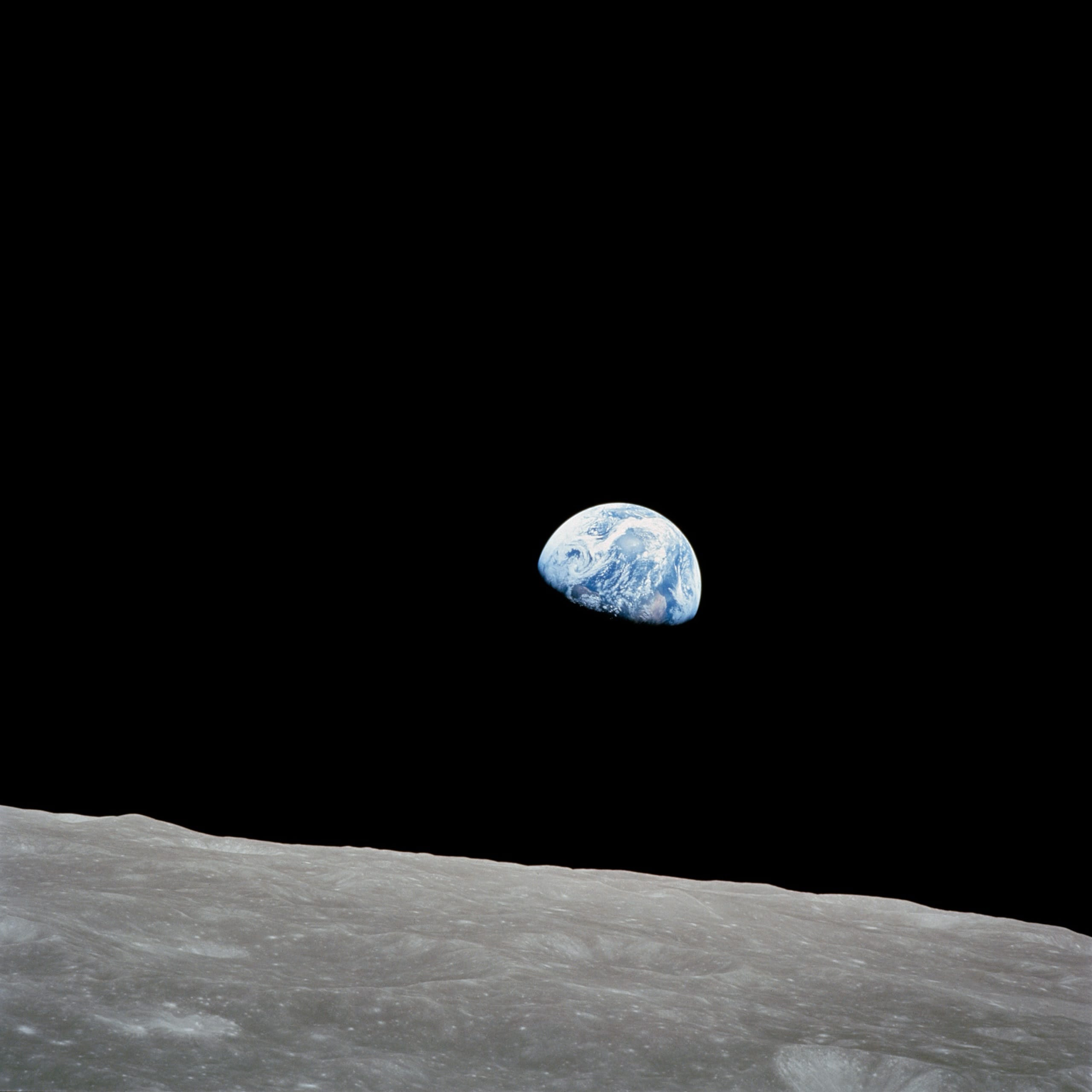
He asked for a roll of color film and took the photo in a hurry, before the Earth moved out of the window.
A gallery
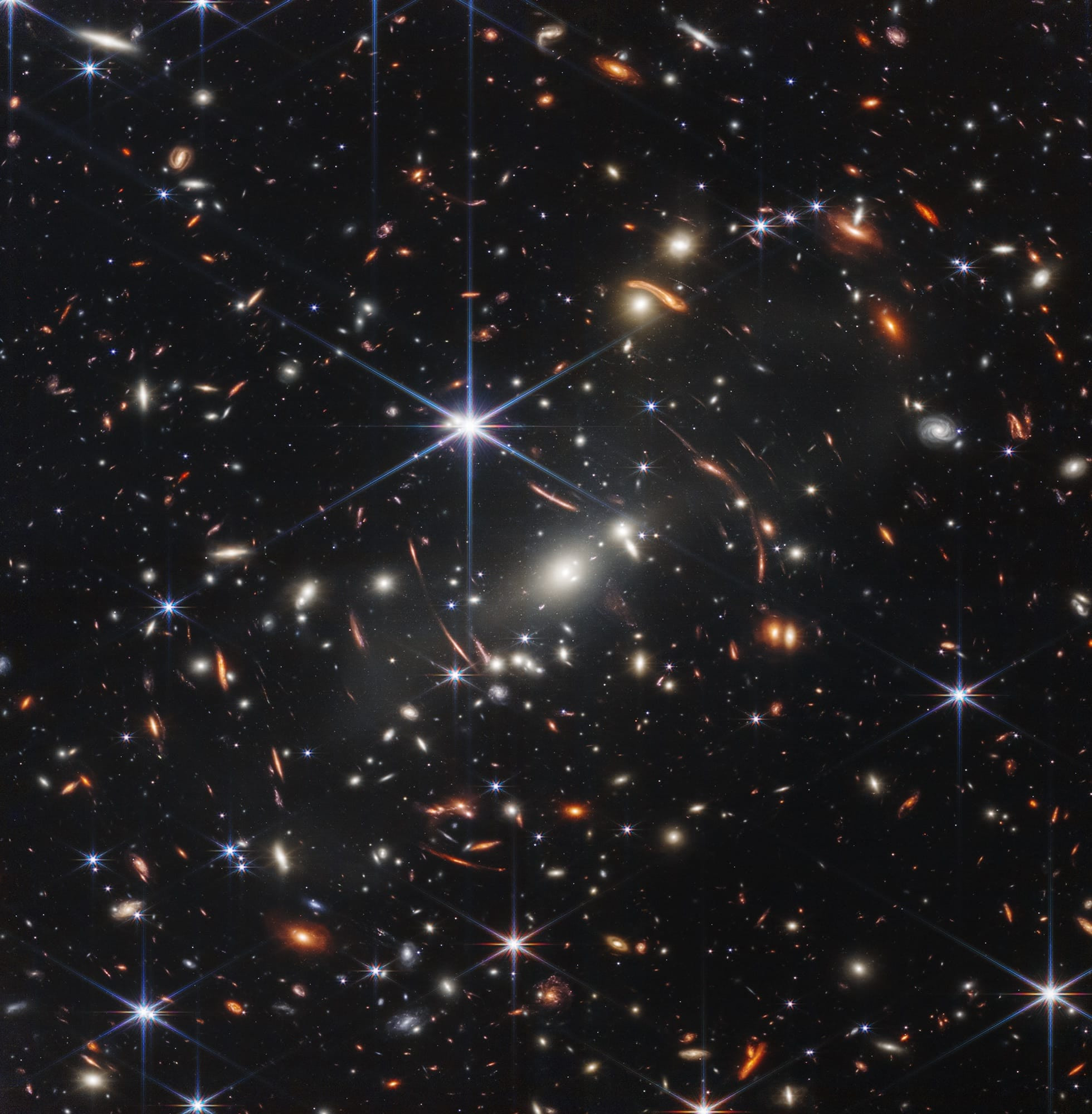
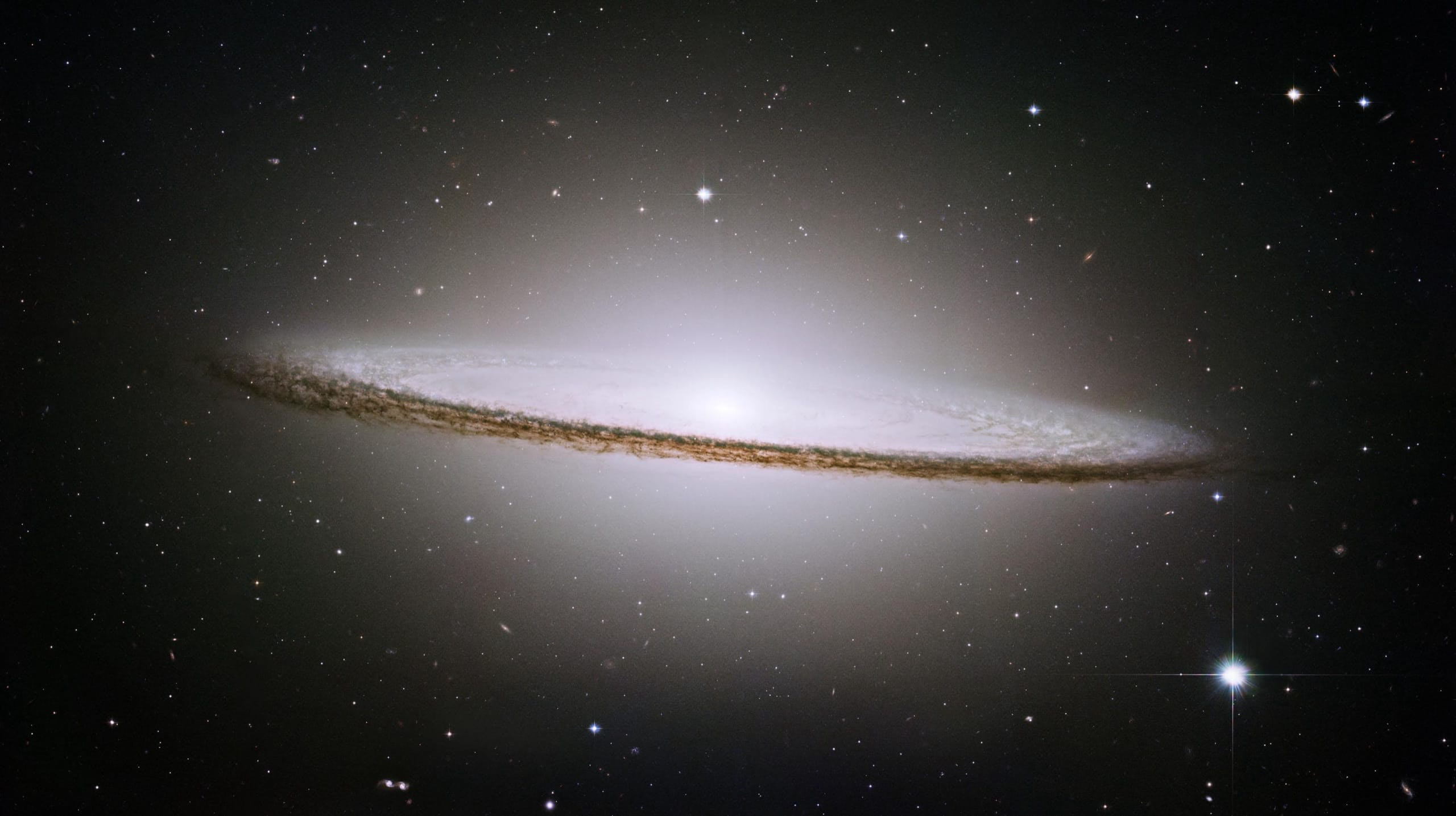
All the images inside one <ImageZoom> form a gallery. Move with the arrows, the ← →keys or a swipe.
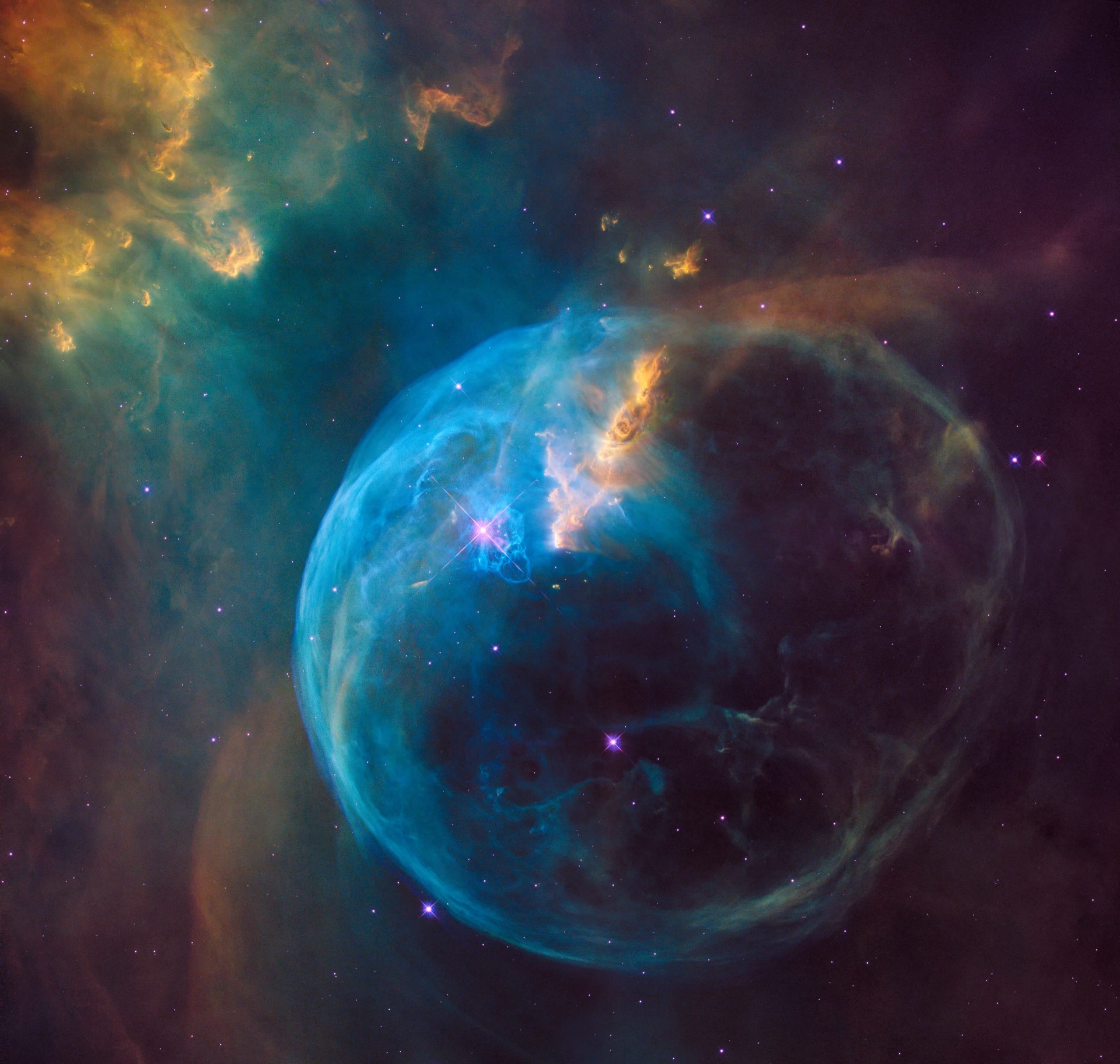
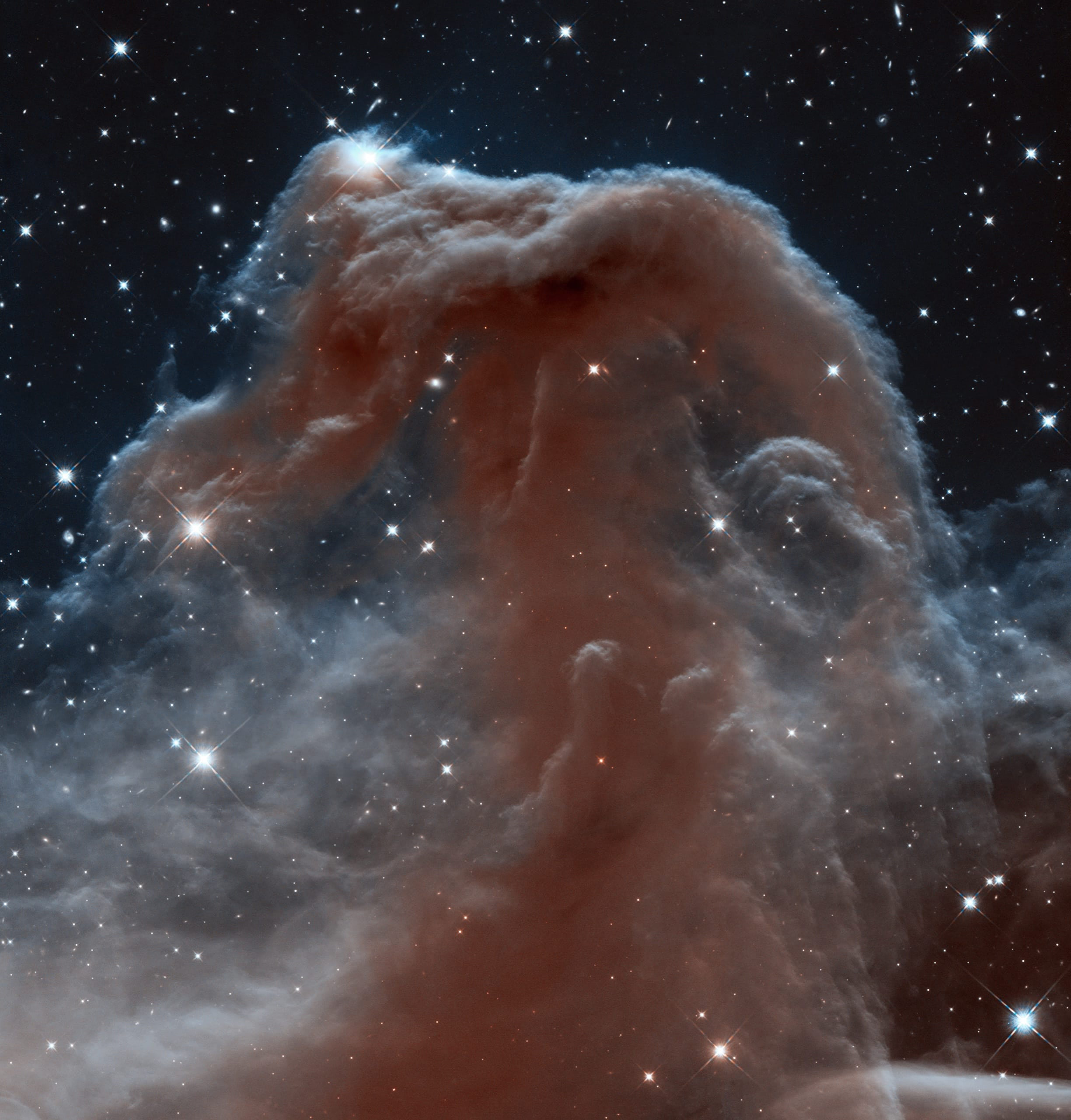
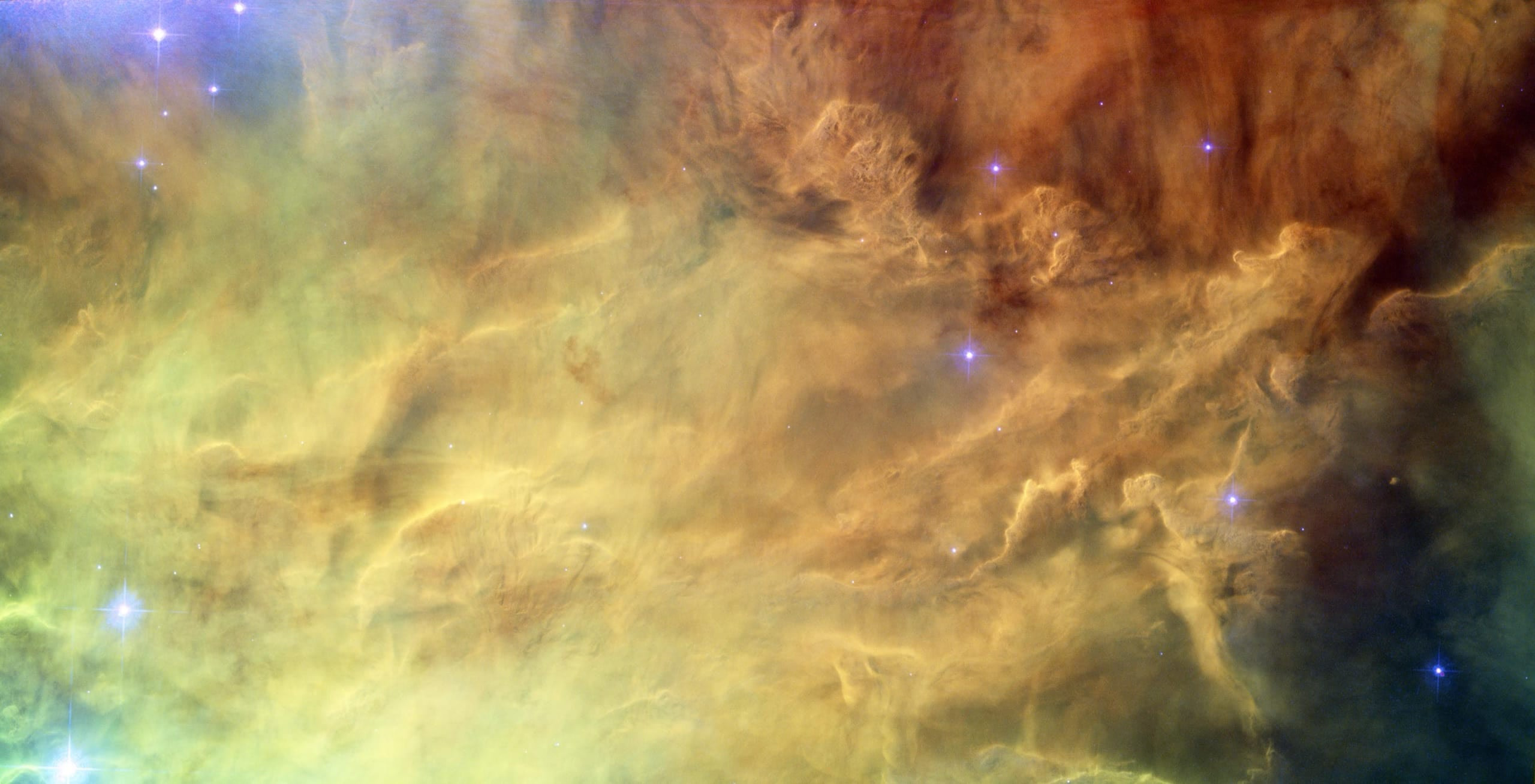

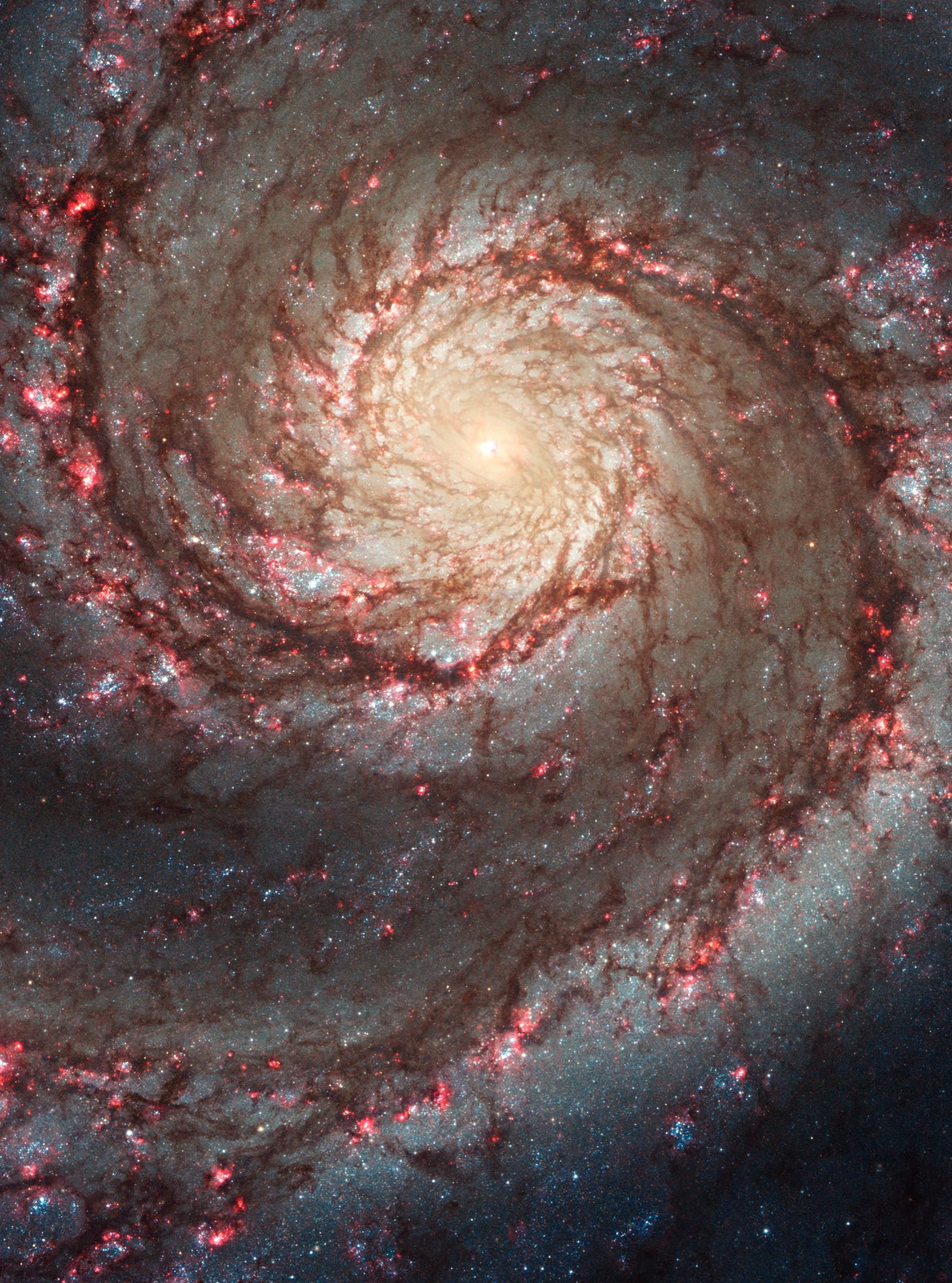
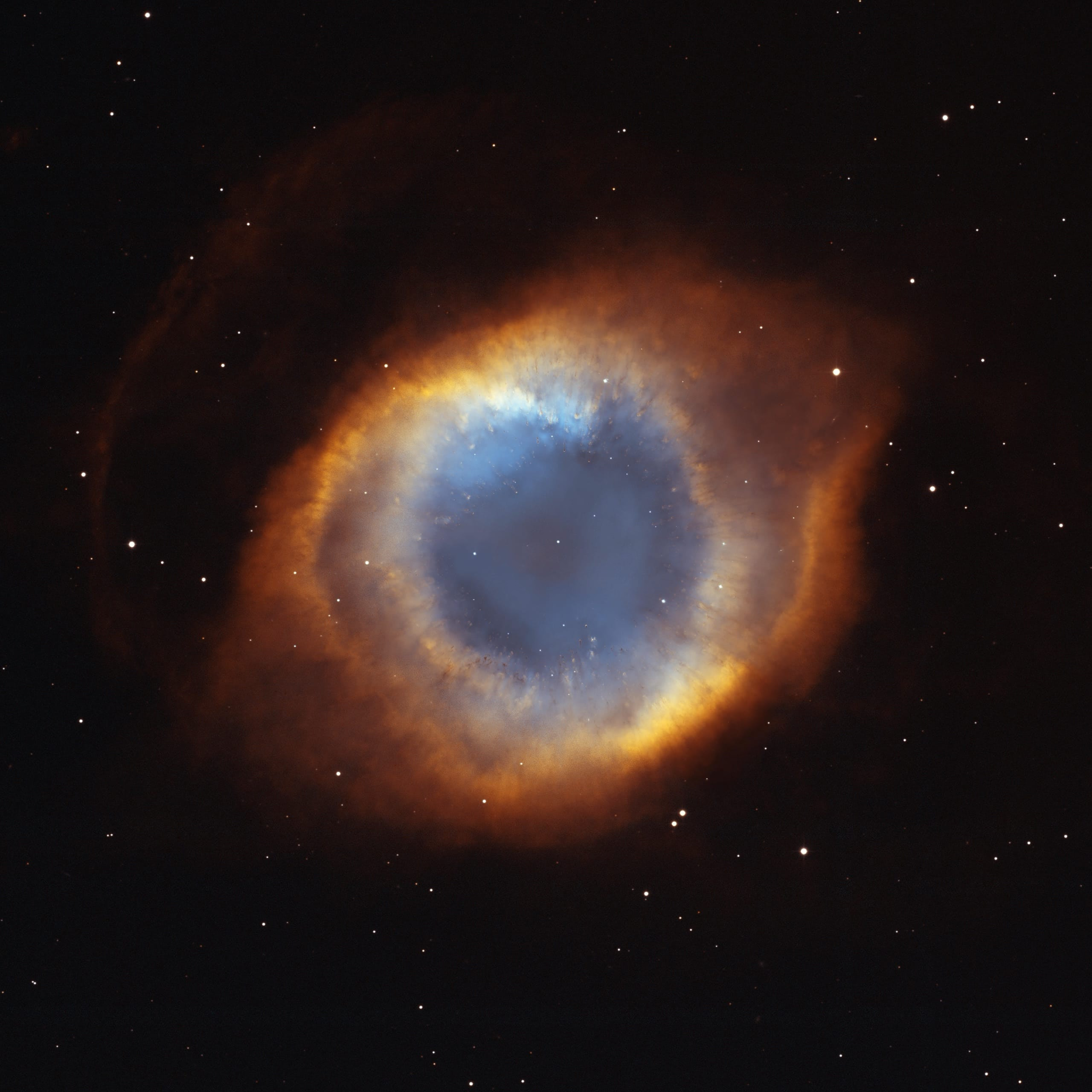
Several galleries
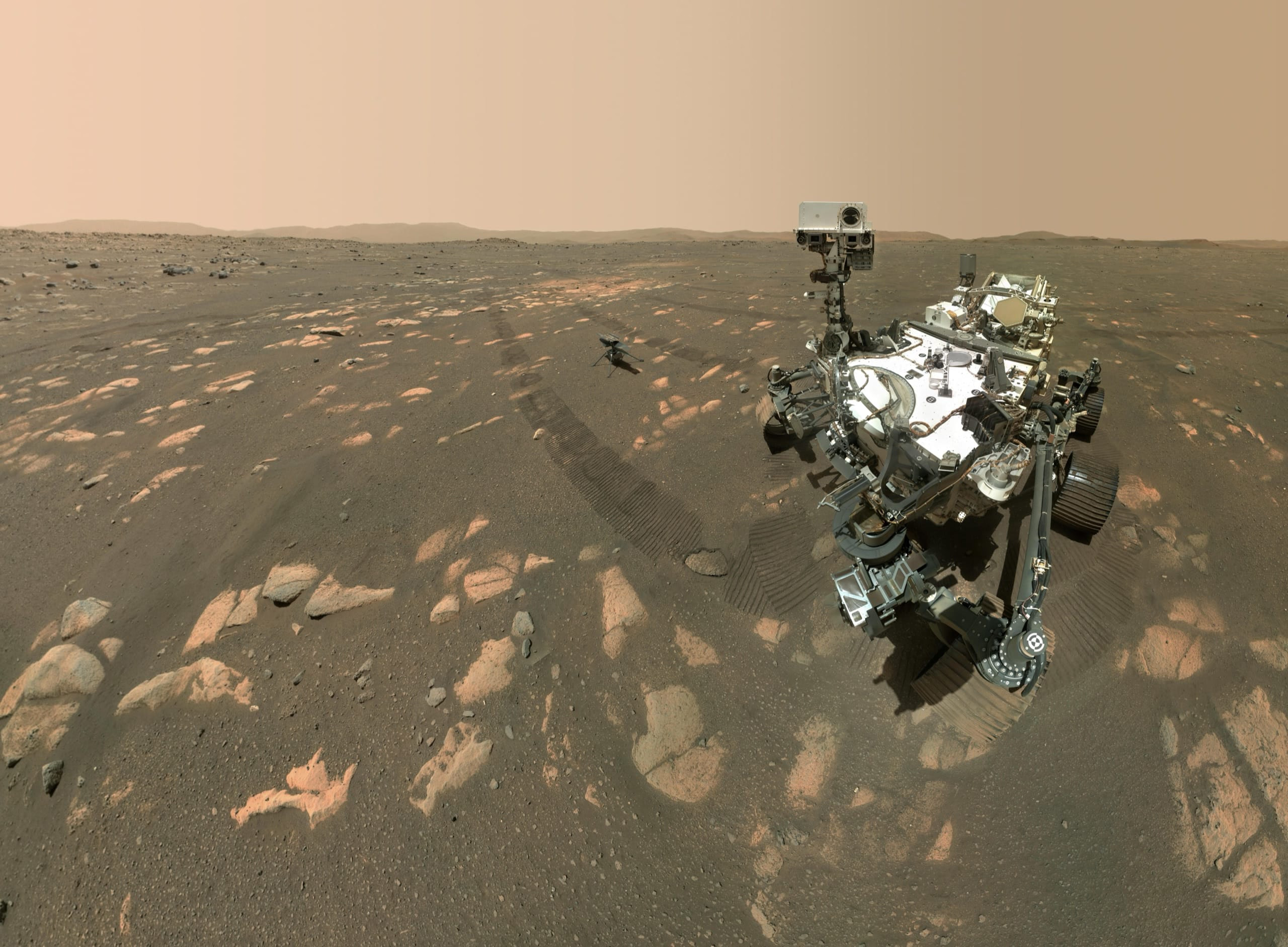
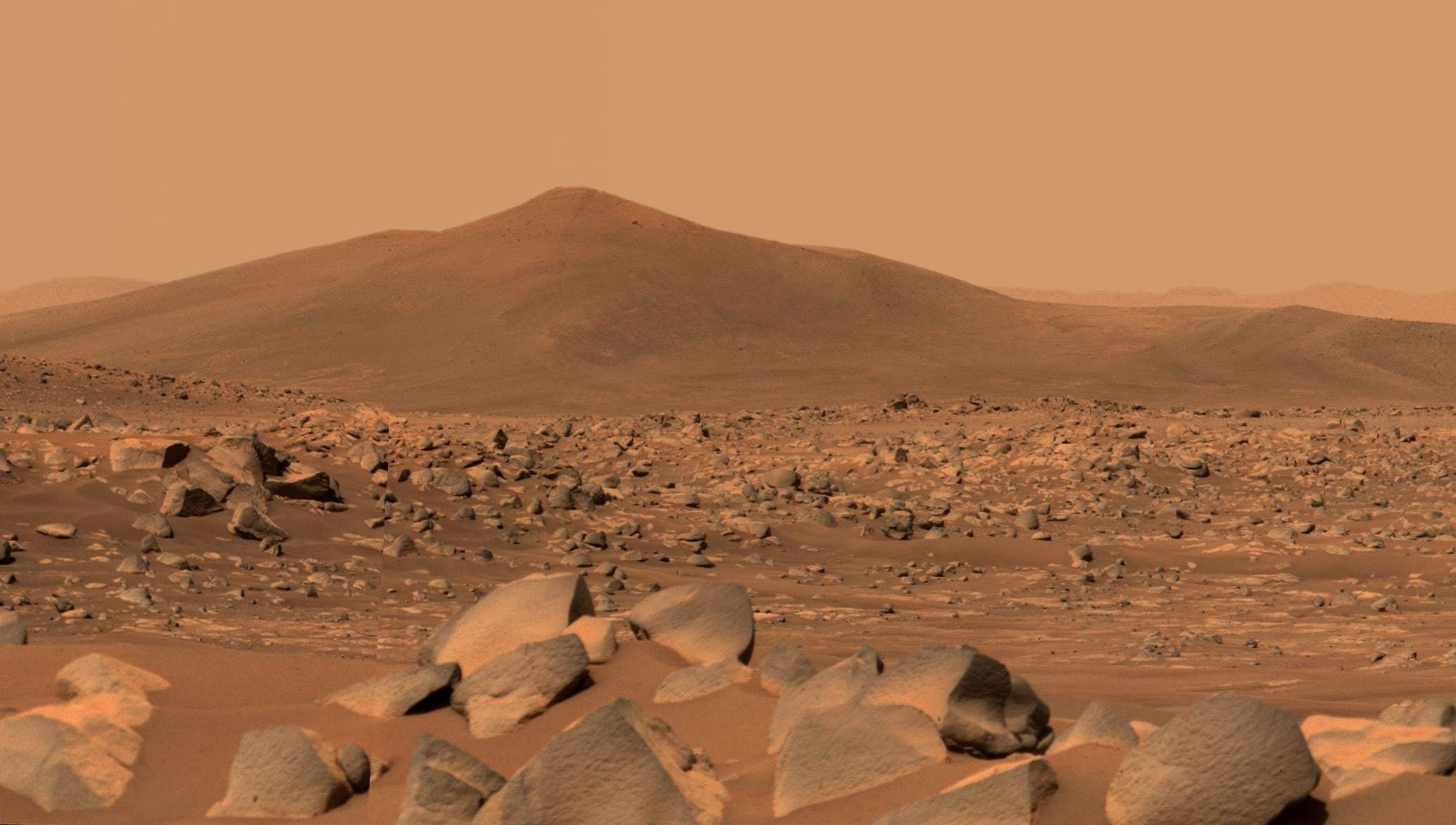
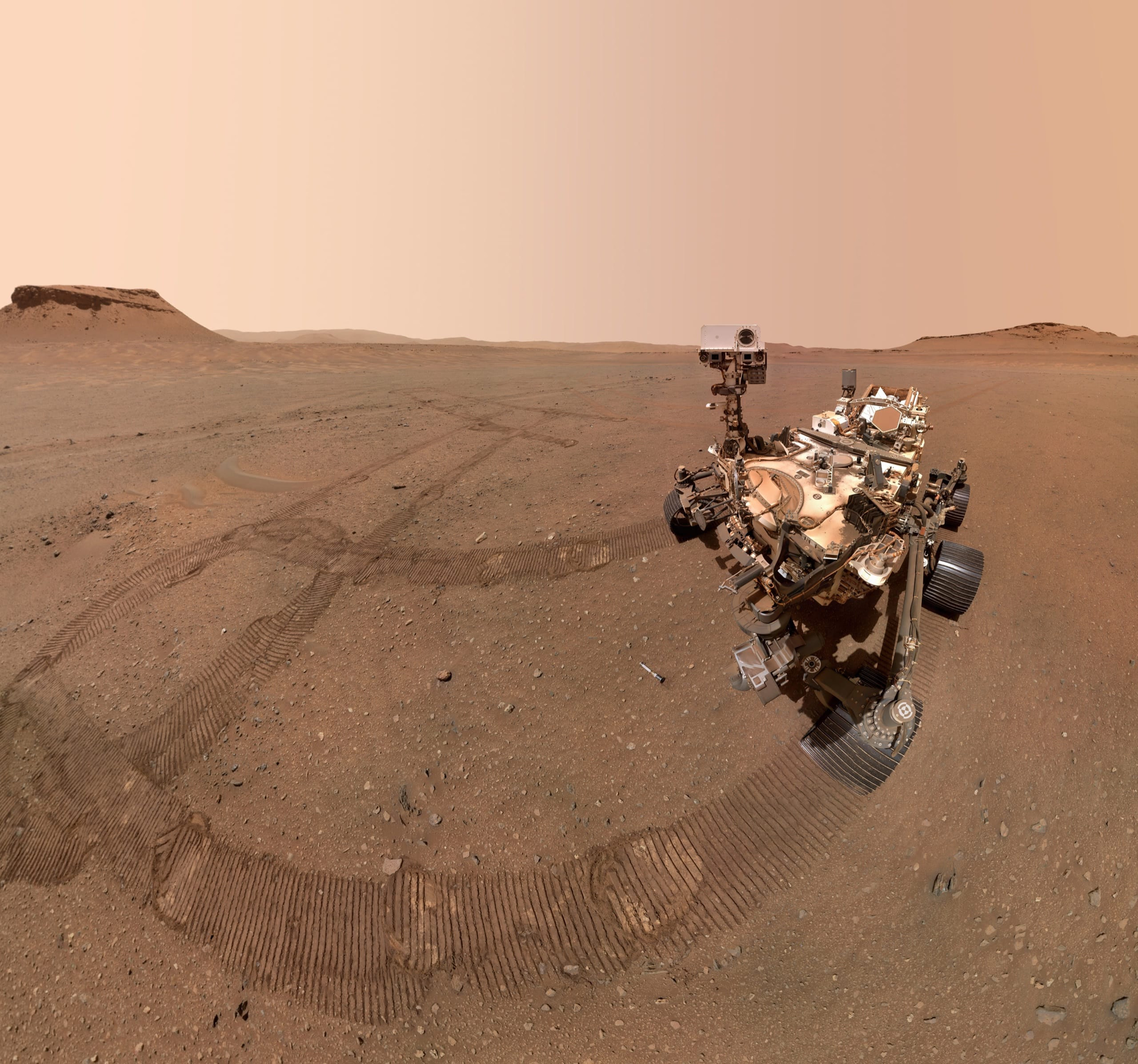
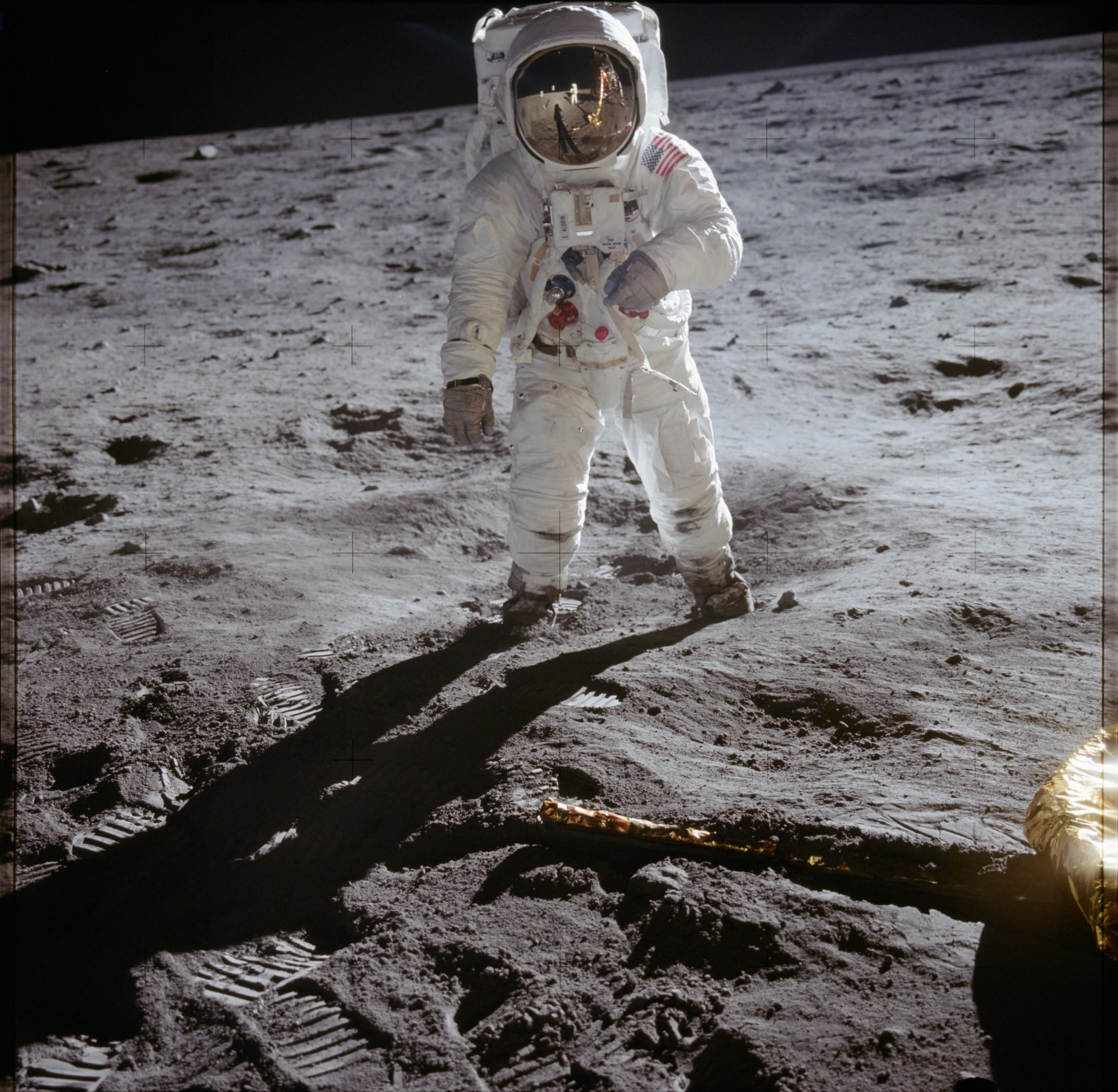
Each <ImageZoom> is its own gallery: the arrows only move through the photos of the one you opened.
Earth from orbit
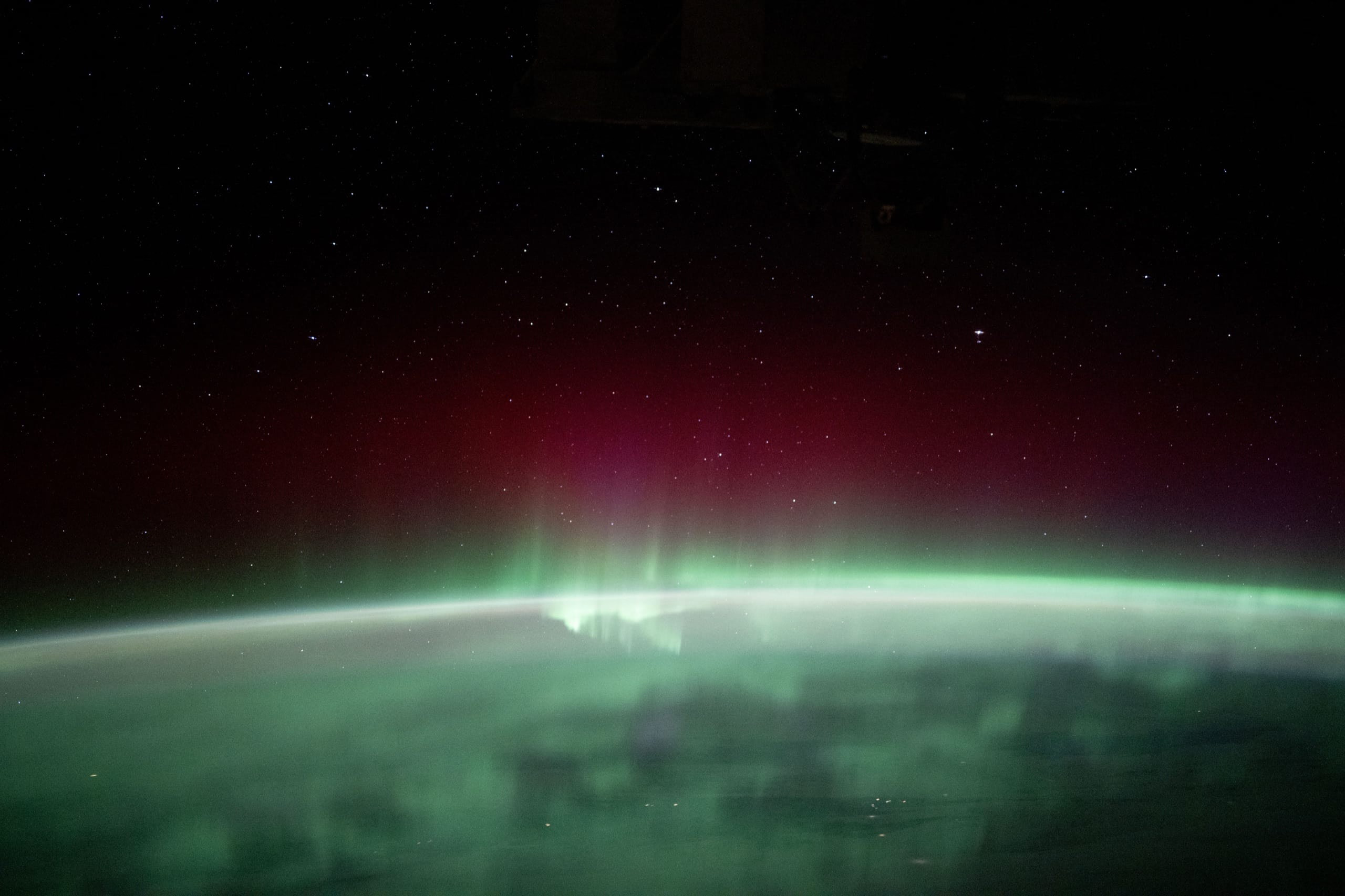
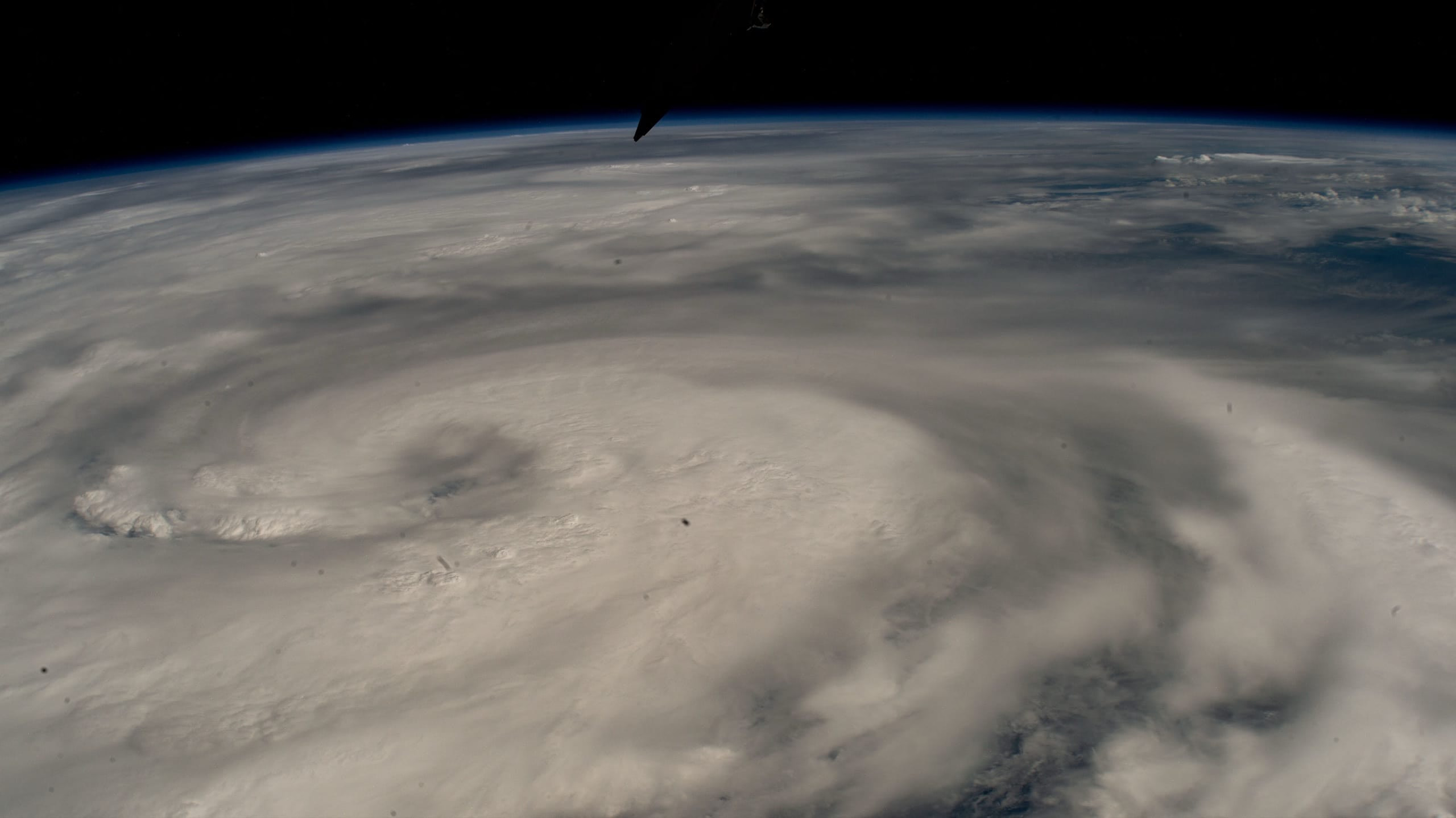
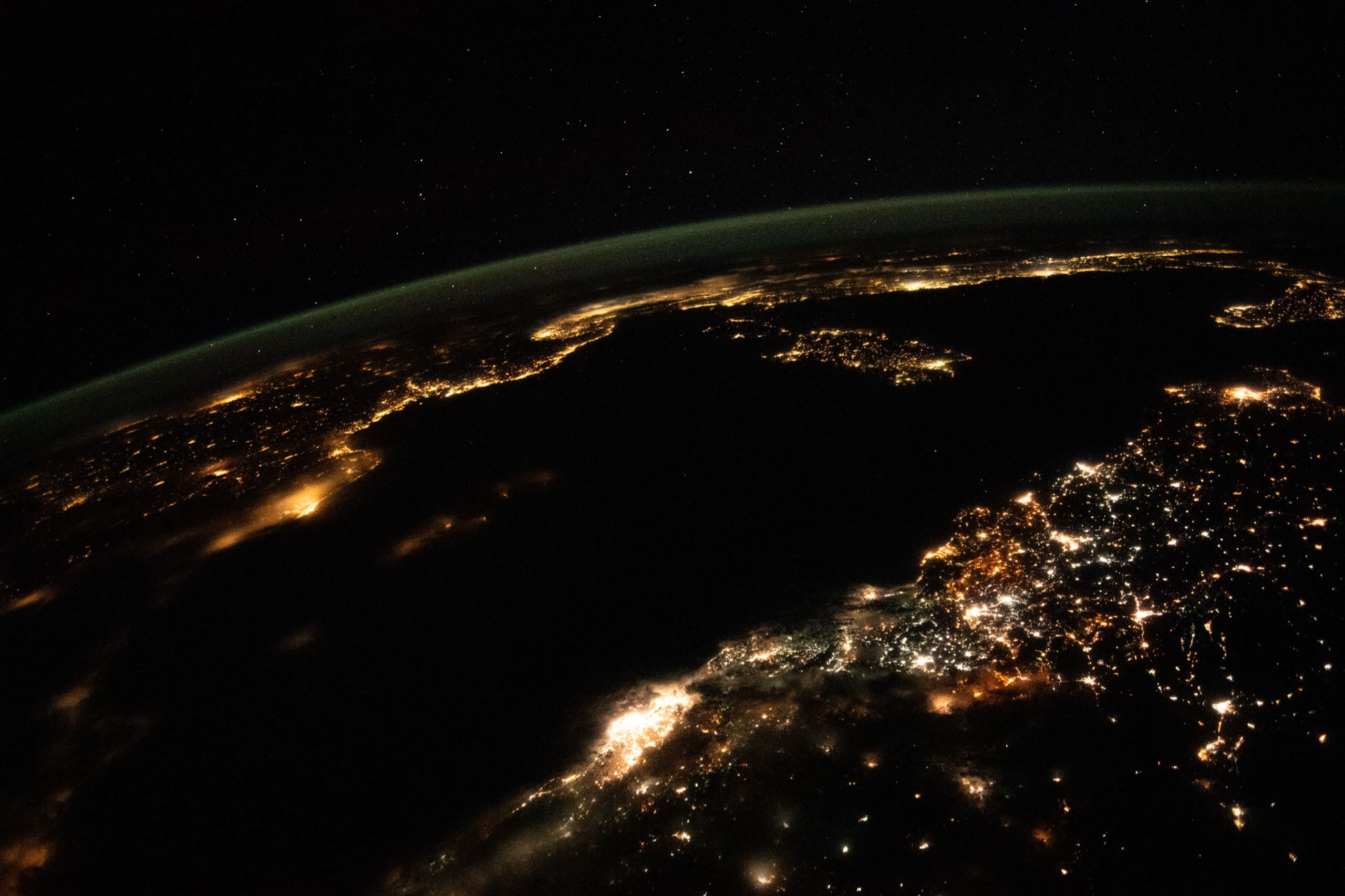
Mars
The Moon
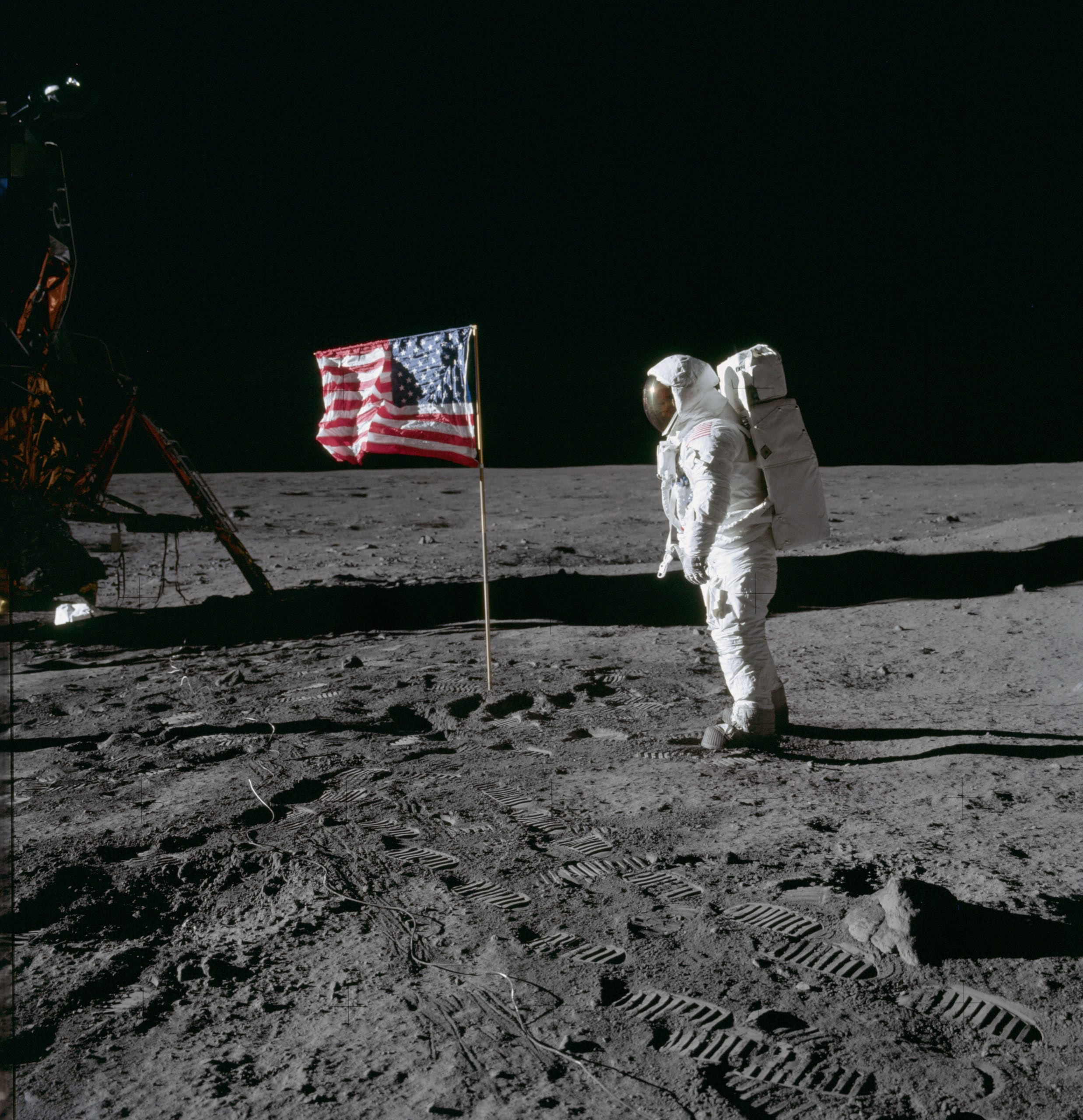
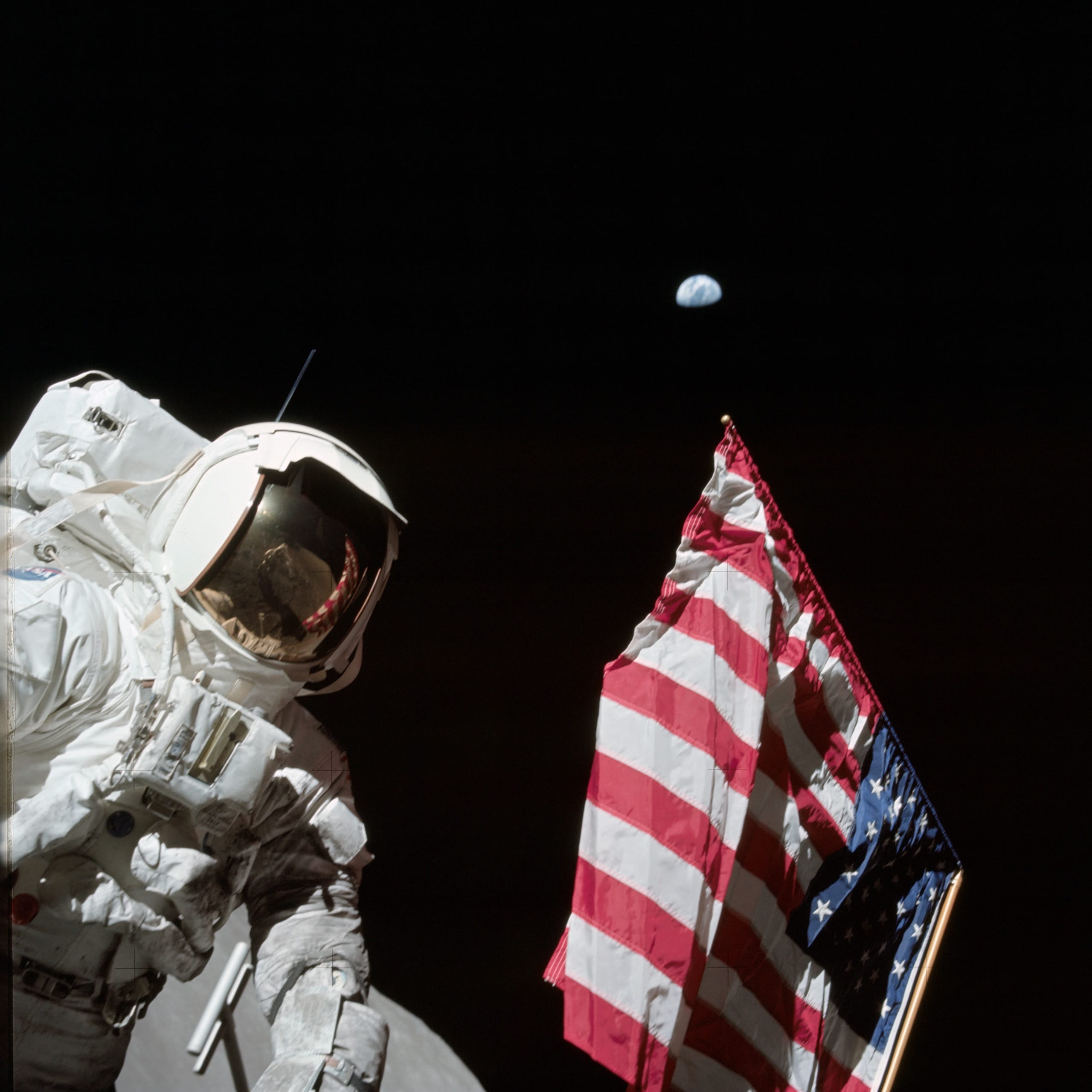
Built in
Keyboard
Tab to a photo and press Enter. The arrow keys move through the gallery, Escape closes, and focus goes back where it was.
Screen readers
A native dialog with labelled controls. The caption is announced as you move, and every image keeps its alt text.
Touch and touchpad
Swipe between photos with the inertia of a real carousel. A vertical swipe or a scroll closes the zoom.
Works without JavaScript
Each photo is wrapped in a link to its full-size file, so it still opens before the script loads, or without it.
Safe from your CSS
The overlay lives in a shadow root, so the styles of your site can't break it, and it doesn't style your page: your thumbnails keep your design. You change the zoom on purpose, with CSS variables.
Zero dependencies
One Astro component and a small script. It follows light and dark mode, reduced motion and forced colors.
Get started
1. Install
pnpm add astro-image-zoom@beta2. Wrap your images
Point
data-zoom-srcat a full-size version when the image on the page is resized.--- import ImageZoom from 'astro-image-zoom/ImageZoom.astro'; import { Image, getImage } from 'astro:assets'; import photo from '../assets/earthrise.jpg'; const fullSize = await getImage({ src: photo, width: photo.width }); --- <ImageZoom> <Image src={photo} alt="Earth rising above the Moon" width={800} data-zoom-src={fullSize.src} /> </ImageZoom>3. Make it yours
Options for the navigation, the caption and how it closes; colors, spacing and shapes with CSS variables.
Read the docs